
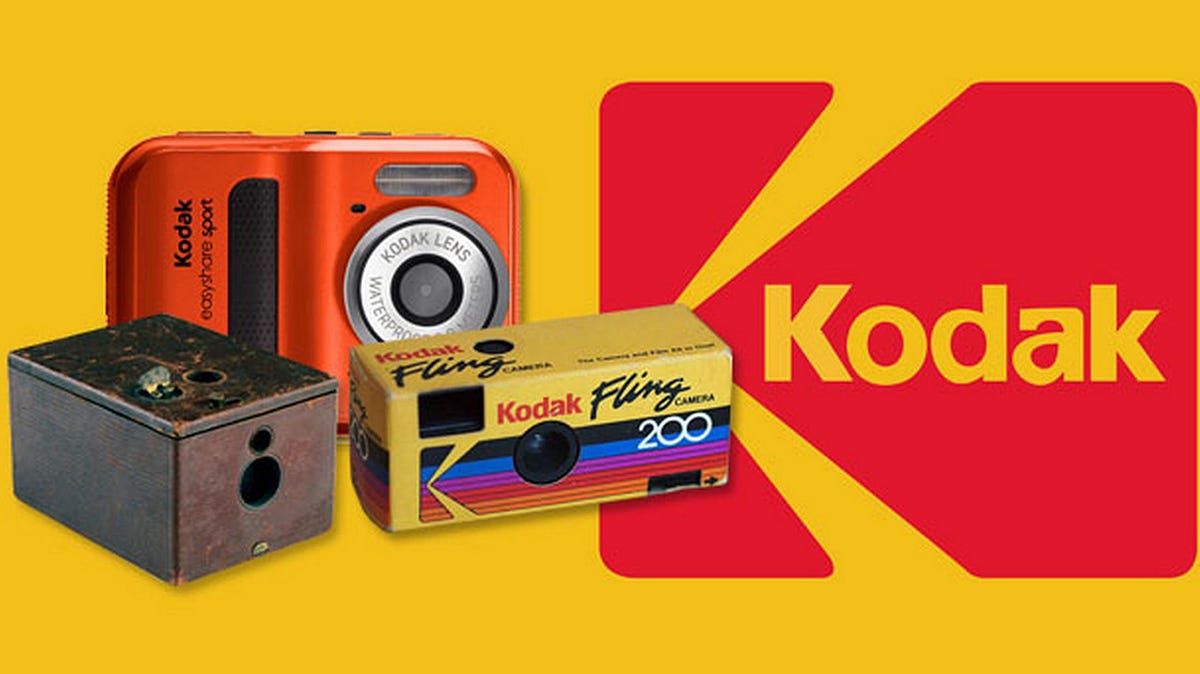
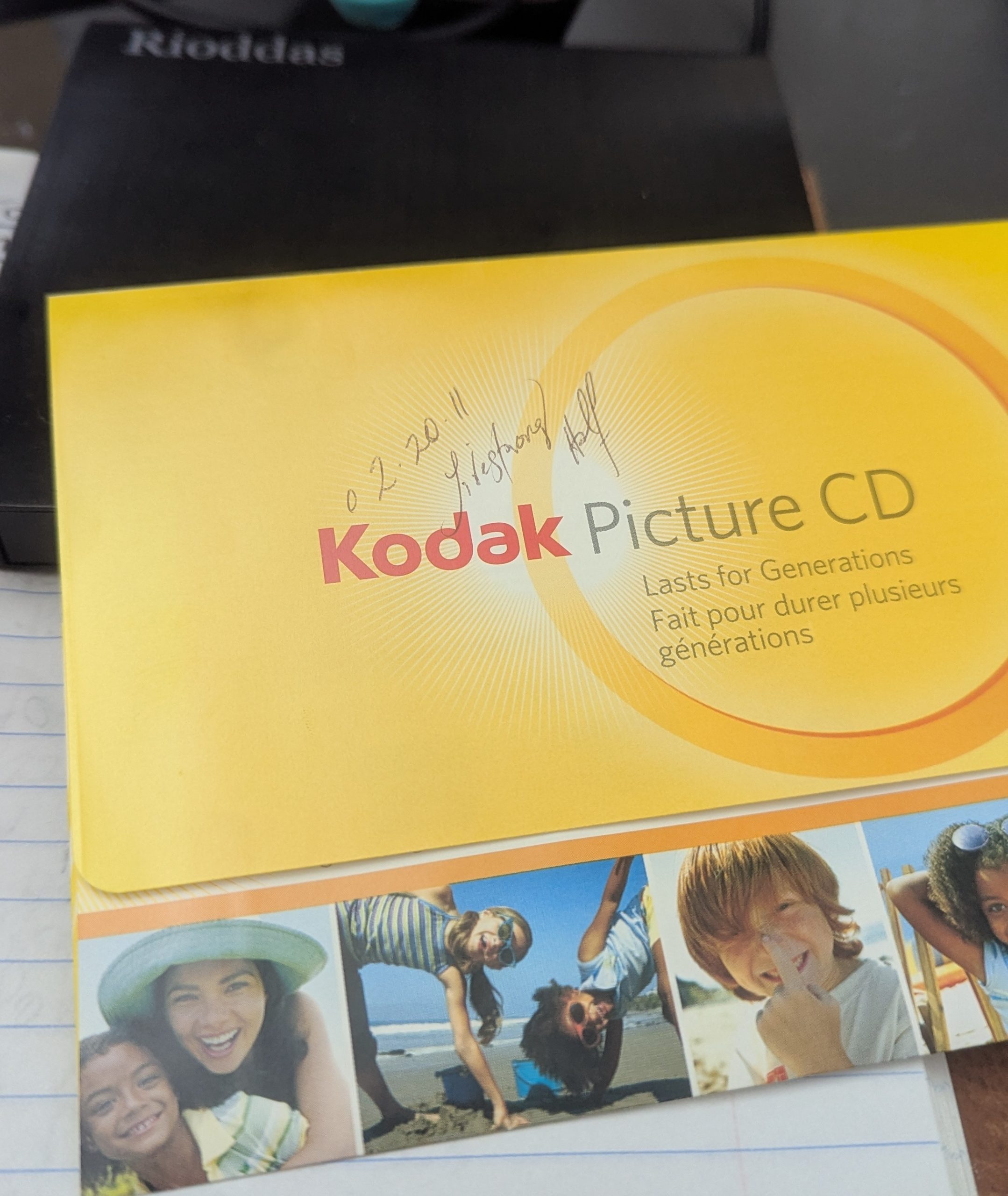
“Lasts for Generations” – That’s what it says on the packet; it barely lasted 5 years.
One of my many projects has been to create an archive of some 50 years of family analog photographs. Mostly from my parents, but also my own, from my life and for my kids. Given the continual collapse of social media and the demise of Google Picasa, all delays my efforts.
I liked Picasa as it had facial recognition, which was obviously good for family pictures. You could also add descriptions, etc. It wasn’t that shareable, though. To be honest, I haven’t tried Google Photos online.
Recently, I needed a family photo for a birthday, and from the large box where they were all kept, I retrieved one I could scan in and a few CDs that apparently had pictures on them. Some of the CDs had straightforward pictures in .JPG format, others in .BMP format. I have at least two from my Dad’s collection that were in “Kodak Picture CD” format.
Kodak loomed large in my Dad’s family; both his Dad and Dad’s brother, Bill, worked at Kodak in Harrow, north of London. Many of my earliest pictures are small B&W Kodachrome pictures; many, many more are locked up on 35MM slides, and a few on weird little wheels of negatives. I’ll get to them all eventually.
First up, the Kodak Picture CDs. The CD kind of suggests it’s from February 20th, 2011. I mounted the CD drive and searched through the contents; nothing obviously indicated a picture format. I spun up a Windows 10 virtual machine on my sandbox system and installed the Kodak EasyShare software, as it says “Lasts for Generations.” The first surprise was that the software installed. The second was that it actually ran. Disappointingly, though, it didn’t show any clues to where the photographs were on the CD or what they were. Most features wouldn’t work because the (Kodak) server-side of the application wasn’t available. All in all, a complete waste of time, especially the version of Apple QuickTime it installed.
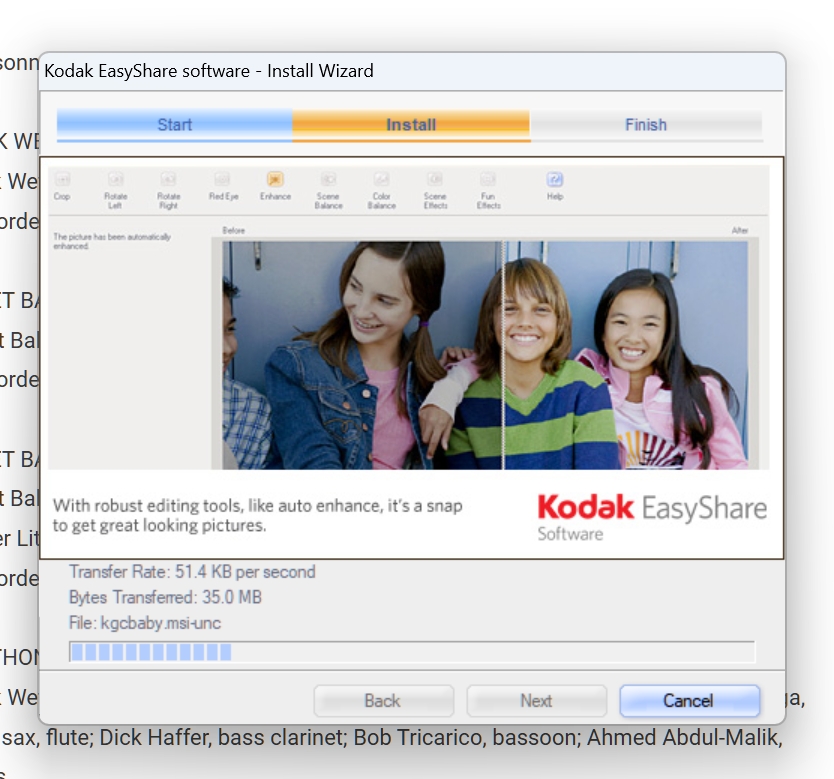

The CD has 272 files; the only displayable files were either adverts or bitmap toolbar icons.
Anyone have any clues?
Family Photo Archiving
While I’m at it, does anyone have a personal recommendation for software and/or websites that are good for long-term storage and archiving of family photos?
They need to be:
- Easily accessed internationally
- Limited to authorized users, preferably by “film”, folder or topic
- Preserve the original picture as taken digitally or scanned etc.
- Support a description and/or EXIF data
- Provide the ability to comment on the description and revise it
- Easily backed up offline and reloaded
- Video support is optional
I’m really just looking for a way to digitize and organize my parents’ and my early analog photograph collection for my family. Yes, a Facebook group might have been useful, but they always compressed photographs, and it was difficult to retain the original. Then there is the fact that it’s Facebook; no one should be required to have a Facebook ID in this day and age. Instagram was just a sharing application; again, it placed an unreasonable impact on the originals.
Magazine/Research Archiving
I’ve actually built up an archive of some 10,000 books and mostly magazines and papers for music research. It is entirely offline. I share the contents by shipping a complete refresh of the SSD it is stored on. Once received, the people I share with send back the prior version of the SSD. It works well but is solely based on trust.
Scanned magazines, etc. are not at all different from scanned analog pictures; they just have a different value and a different use case. For my magazine archive, I scan the pages of the magazines, turning them into pictures. The pictures are combined into a PDF, which is then scanned by OCR to make the text findable, copyable, etc.
I then use an external program that builds a searchable index, stored on the SSD. I can find most topics, articles, and people using a search within the index in 5 seconds or less. Using this approach has radically changed my method of keeping documents and archiving them. I use the same process for album, CD covers and liner notes, which are stored in a separate music archive. Again, revolutionary in terms of useability.
It just seems like there has to be a better way to handle photographs. Any ideas, friends, family, or readers?